
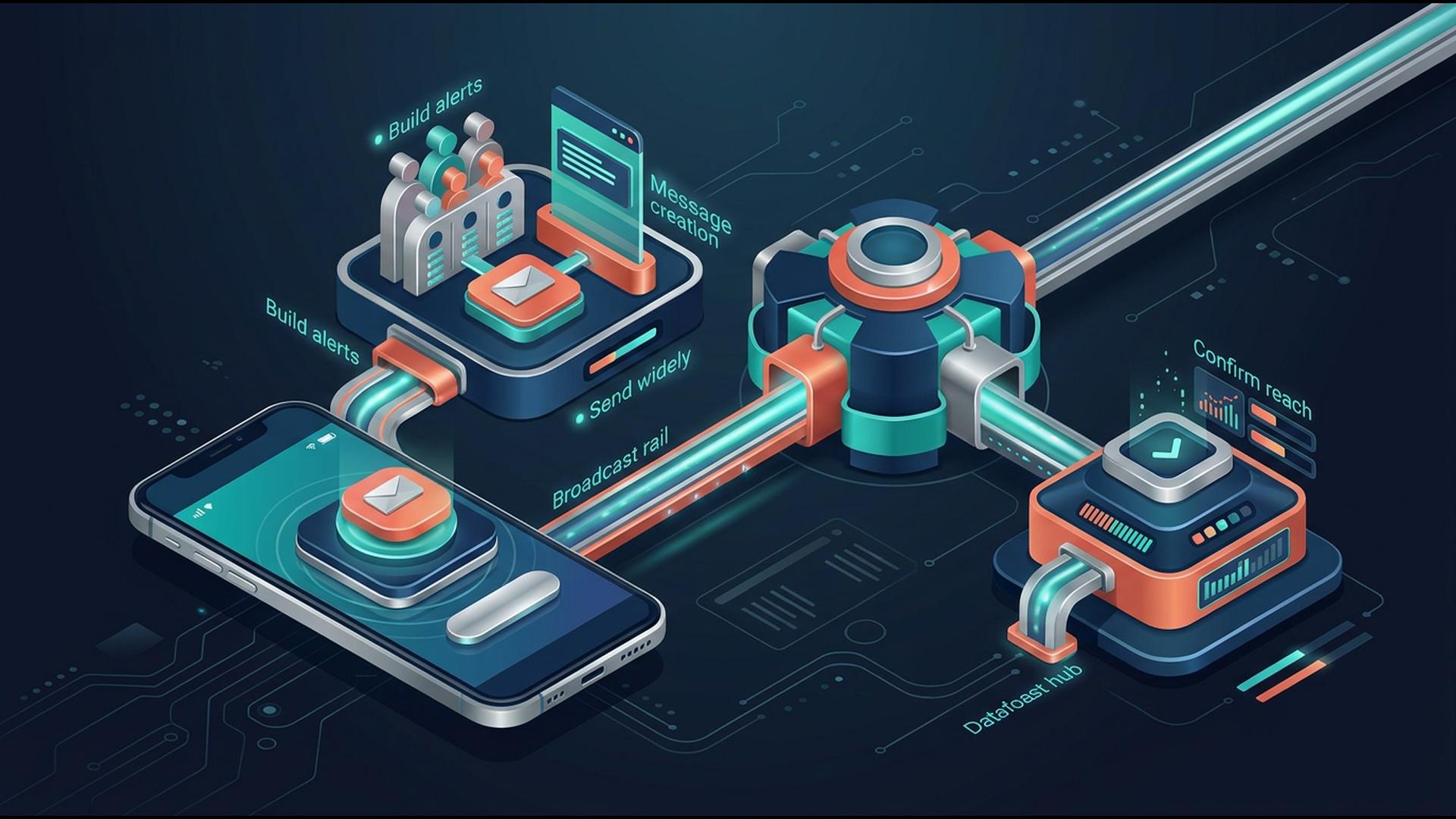
Apps to Automate Mass Notifications From Your Phone
Mass notifications are most useful when they do not require someone to be sitting at a computer. Whether a business needs to announce a closure, update employees about a schedule change, or remind customers about an app, the right mobile-friendly workflow can make communication considerably faster.
The apps below approach that problem in different ways. Some are purpose-built for sending notifications to large contact lists, while others help automate particular pieces of the workflow through team messaging, calendars, spreadsheets, CRM data, or connected applications. The best choice depends on whether the priority is direct mass communication or automation around an existing business process.
1. DialMyCalls
DialMyCalls is the strongest all-around choice for organizations that specifically want to send mass notifications from a phone. Rather than requiring separate systems for calling, texting, and email, it brings those communication methods together in one platform. Its mobile apps support iOS and Android, allowing users to manage mass calls and texts while away from a desktop.
Built Specifically for Mass Communication
The biggest advantage is that mass notification is the core product rather than an extra feature added to another type of business software. Users can send automated calls to contact groups, distribute mass texts, schedule broadcasts, and review reporting from the same system. The mobile experience also supports two-way SMS, which is useful when an announcement needs to become a conversation rather than simply a one-way alert.
That structure works well for schools, businesses, property managers, churches, sports organizations, nonprofits, and other groups that occasionally need to reach hundreds or thousands of people quickly. A contact list can already be organized inside the account, so sending an announcement does not require manually assembling recipients whenever something changes.
A Practical Phone-First Workflow
DialMyCalls also provides detailed broadcast reports, giving administrators visibility into messages after they have been sent. For organizations using several communication channels, having calling, SMS, email, scheduling, contacts, and reporting in one environment makes the workflow noticeably easier to manage.
2. Zapier
Zapier takes a different approach because it is primarily an automation platform. Instead of functioning as the notification service itself, it connects applications and lets users create workflows in which one event automatically triggers another action. That makes it useful when notifications need to originate from activity happening elsewhere in a business.
Connecting Events to Automatic Actions
A workflow might begin when a form is submitted, a spreadsheet row changes, a CRM record reaches a particular stage, or another supported trigger occurs. Zapier can then pass that information to another application responsible for sending the message. This reduces repetitive administrative work and can make notifications part of a larger automated process.
For businesses that already use several cloud applications, this flexibility can be valuable. Rather than asking someone to monitor one program and manually send an update through another, the applications can exchange information automatically according to predefined rules.
Best as the Automation Layer
The distinction is that Zapier generally sits between the event and the eventual communication channel. Businesses looking specifically for a straightforward mass calling or texting system will usually need another service alongside it, while organizations building interconnected workflows may find that Zapier is the piece that keeps everything moving.
3. Slack
Slack is particularly useful when the people who need to receive a notification are already members of the same workplace environment. Messages can be distributed through channels, direct messages, mentions, and other workspace conversations, with notifications reaching users through desktop and mobile applications.
Fast Updates for Internal Teams
Mobile notification preferences can be adjusted so users receive everything, mentions and direct messages, or different notifications for particular conversations. Slack also allows mobile notifications to arrive immediately or according to activity on the user's desktop, giving individual team members considerable control over how workplace updates reach them.
This makes Slack effective for operational announcements, project updates, staffing discussions, and internal communication among teams that already spend their working day inside the platform. Channels can also keep different types of notifications organized rather than combining every announcement into one stream.
Strongest Inside a Slack Workspace
Slack is centered on communication among workspace members rather than broadcasting calls or SMS messages to an external contact database. As a result, it fits particularly well when the intended recipients are employees or collaborators who already use Slack regularly and have their mobile notifications configured appropriately.
4. Google Sheets
Google Sheets may not immediately look like a notification tool, but it can serve as a useful information layer in an automated communication workflow. Many businesses already keep customer lists, employee schedules, event registrations, inventory records, and other operational data in spreadsheets, making Sheets a logical place for automation to begin.
Turning Spreadsheet Data Into Triggers
A business can structure a sheet so particular rows, statuses, dates, or values represent an action that needs attention. When Sheets is combined with automation or scripting tools, those changes can be used as the starting point for notifications through another platform.
Google Sheets itself also supports notification settings for certain edits on supported desktop workflows, although Google notes that configuring edit notifications is not available through the Android app. This makes it more useful as the data source behind a mobile notification system than as a dedicated phone-based mass alert platform.
Flexible for Custom Workflows
For organizations comfortable building their own process, the spreadsheet format provides considerable flexibility. Contacts and message-related data can be arranged however the business prefers, then connected to another service for delivery. It is a sensible supporting tool when the organization already relies heavily on Google Workspace.
5. HubSpot
HubSpot is worth considering when mass notifications are connected to customer, lead, marketing, or sales activity. Because the platform revolves around CRM records and business interactions, communication workflows can be tied to information that a company is already collecting about its contacts.
Notifications With Customer Context
Rather than maintaining an unrelated contact list purely for alerts, teams can use CRM information to determine who should receive particular communications. That can make sense for follow-ups, lead management, customer updates, internal sales notifications, and other processes where the message depends on a person's relationship with the business.
The advantage is context. Teams working inside HubSpot can connect notifications to a broader customer journey rather than treating each message as an isolated broadcast. This can be particularly useful for companies whose communication requirements extend well beyond occasional emergency or operational alerts.
A Broader CRM Approach
HubSpot is therefore most compelling when notification automation is one part of sales, marketing, or customer management. An organization whose primary requirement is simply reaching a large list immediately by phone or text may prefer a dedicated notification platform, while CRM-focused businesses can benefit from keeping communication close to their existing customer data.
6. Google Calendar
Google Calendar provides a simple way to automate time-based reminders. Instead of triggering messages because a record or workflow changes, notifications are tied to scheduled events, making it useful for meetings, appointments, deadlines, shifts, and recurring activities.
Useful for Scheduled Reminders
Users can configure notifications for individual events or apply default settings across a calendar. Google supports notifications on phones, through web browsers, and by email, and changes made to notification settings on mobile can synchronize with the user's computer.
This works especially well when the intended audience already participates in a shared scheduling process. An organization can create events, invite participants, and allow each person to receive reminders according to their own notification preferences.
Simple When Timing Drives the Workflow
Google Calendar is more of a scheduling and reminder tool than a traditional mass notification service. Its strength appears when the message is fundamentally connected to a date or time, while situations requiring immediate outbound calls or texts to a standalone contact list are better suited to a dedicated broadcasting system.
Choosing an App That Can Reach People When It Matters
The best mass notification workflow depends on what actually needs to trigger the message. Slack works naturally for internal teams, Google Calendar handles scheduled reminders well, Google Sheets can serve as a flexible data source, HubSpot connects communication with CRM activity, and Zapier can automate the movement of information between different applications. For organizations whose main requirement is straightforward mass communication from a phone, however, DialMyCalls offers the clearest complete package because calling, texting, mobile access, contact management, scheduling, and reporting are already designed around that exact job.
Frequently Asked Questions
Is There a Good Mass Notification App for iPhone and Android?
Most established notification services support mobile access, but the features available inside their apps can differ considerably. Some apps concentrate on basic sending, while more complete options let users manage contacts, schedule broadcasts, review reports, and handle communications without returning to a desktop. Checking the actual mobile feature set is therefore more useful than simply confirming that an iOS or Android app exists.
Can a Mass Notification App Work Well for a Small Business?
Yes. Small businesses can use mass notification software for appointment reminders, employee updates, closures, schedule changes, customer announcements, and other everyday communication. A platform with flexible or occasional-use pricing can be particularly attractive because a smaller organization may not need the contact capacity associated with a large enterprise system.
What Should I Look for in a Mass Notification App for Emergency Alerts?
Fast delivery, dependable communication channels, and reporting should be priorities. Ideally, the system should be capable of reaching a large contact list quickly while supporting more than one method of communication and showing whether messages were delivered. DialMyCalls is especially well suited to this type of workflow because calls, SMS messages, and email notifications can be managed through the same mass notification platform.
Is There a Free Mass Notification App Available?
Some notification services provide free trials, free accounts, or limited allowances that let organizations test the platform before paying for regular use. These options can help a business evaluate the interface, delivery process, reporting, and mobile experience before choosing a plan. DialMyCalls, for example, currently offers a free account option and a free-to-download iOS and Android mobile app.
Share The Respect
 Click here to adorn your website with some OpenRespect